
Surface charging status
Improving the home EV charging experience
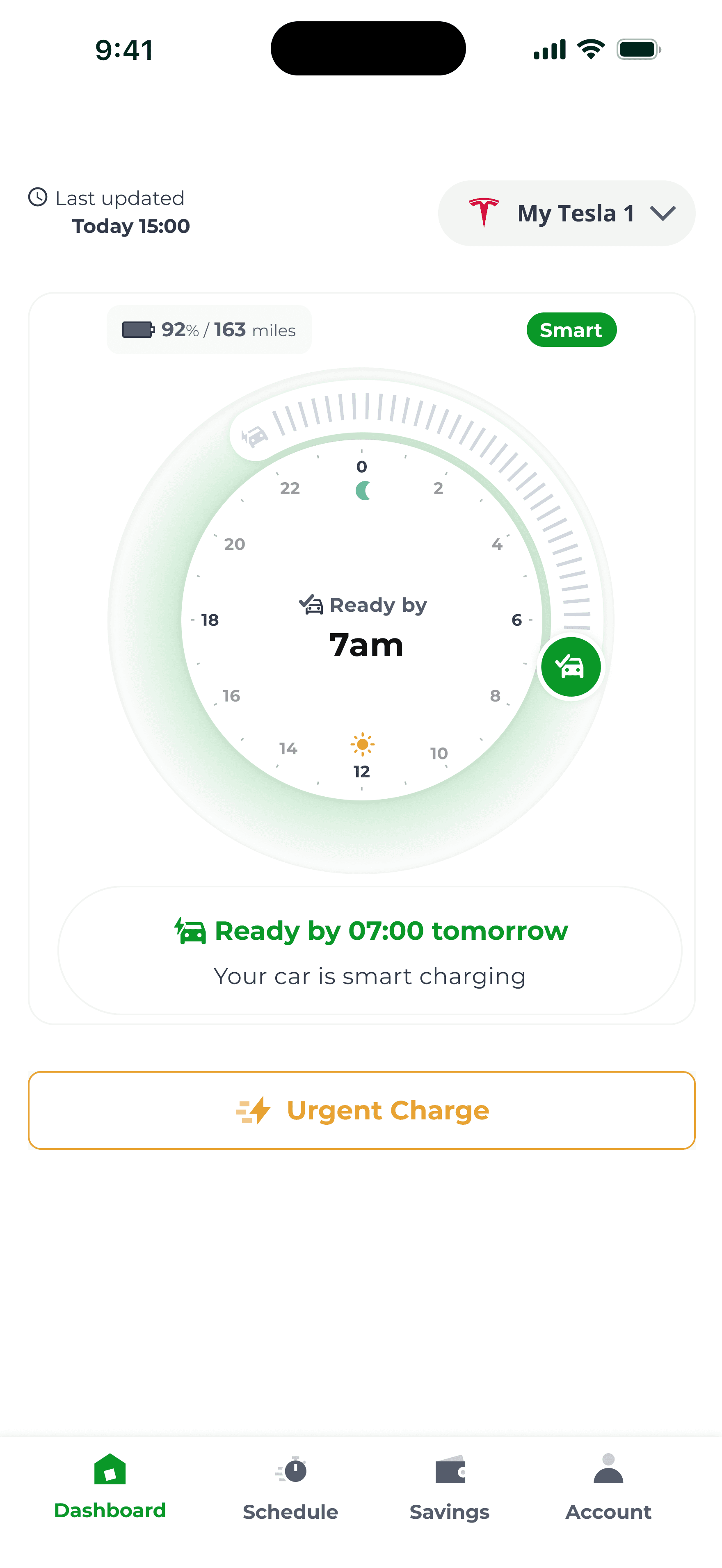
Old app (Charge Anytime)
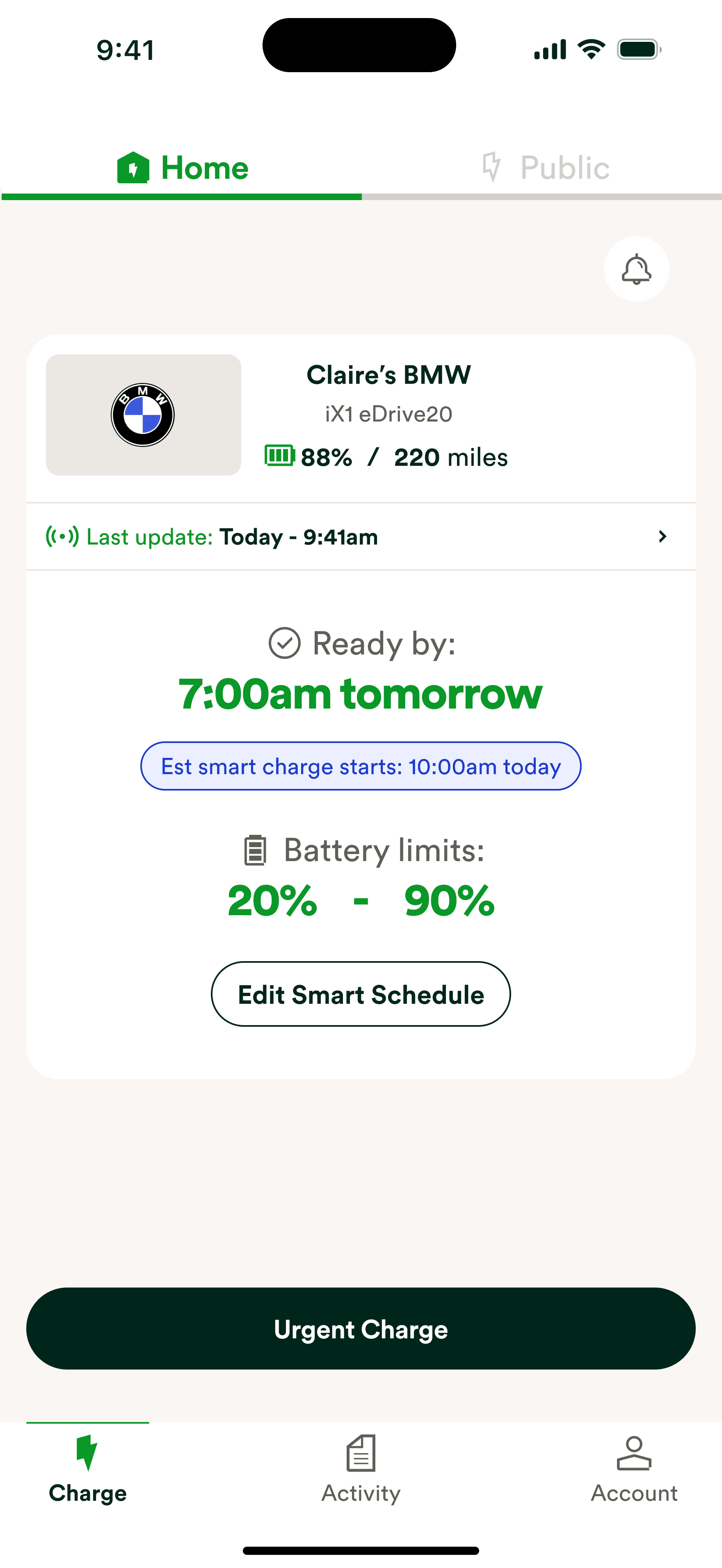
Old app (Charge Anywhere)
After launch, that's exactly what we did.
Support tickets were coming in from users whose app showed the car as not plugged in when it was sitting on their home charger. Others were waking up to a car that hadn't charged enough.
During user research, we found that people had built their own workarounds. Checking their car's own app. Starting an urgent charge just in case. Looking up forums to understand why the schedule wasn't working.
They didn't trust the app.
We found two issues.

API not sending live updates
The first was the data itself. The API wasn't sending live updates. You could plug your car in and the app would still show it as disconnected. The only way to see the updated status was to close and reopen the app or manually refresh. Most users didn't know that. They just saw something wrong and panicked.
We couldn't fix the API fast enough. So we built around it. The screen now automatically refreshes every 30 seconds while the user is active on it. No closing and reopening. No guessing. The status updates itself.
Not surfacing all charging statuses
The second was what we were doing with the data we did have. The backend was sending ten different statuses. Cable disconnected, cable fault, internal fault, away from home, no telemetry, unknown, and more. Each one meant something different and needed a different response from the user.
What were we showing instead? The same "plug in your EV to begin charging" message for almost all of them. We were receiving ten statuses from the API and surfacing six. Even those six had no recovery guidance. Just a message with nowhere to go. A user with a cable fault was being told to plug their car in. Their car was already plugged in. No wonder they called support.

I mapped out all the statuses we were receiving from the backend and designed a specific UI to clearly show what was happening with each one. When an error occurs, users now get a clear path to fix it. I introduced a device status card where users can find more information on their charging status and a clear action to resolve the issue without contacting support.
When something goes wrong the user gets a timestamp so they know how fresh the data is, a plain explanation of what's happening, and a clear action to resolve it. For anything they can fix themselves we tell them exactly how. For anything they can't, we direct them straight to support.
OVO Charge – New charge statuses
To make sure we were building something that actually helped, I ran tests with 10 users, existing Charge Anytime users and general EV owners. Users could read the status, understand what was happening, and resolve issues themselves without calling support.
One change came out of testing: 80% of users looked for a menu to switch between cars rather than swiping. We switched to a dropdown.
Support contacts for users reporting an unplugged car when it was plugged in dropped by 75%.
Ovo Charge - Multiple devices
That was the whole problem. Now they don't need to call anyone to find out why.